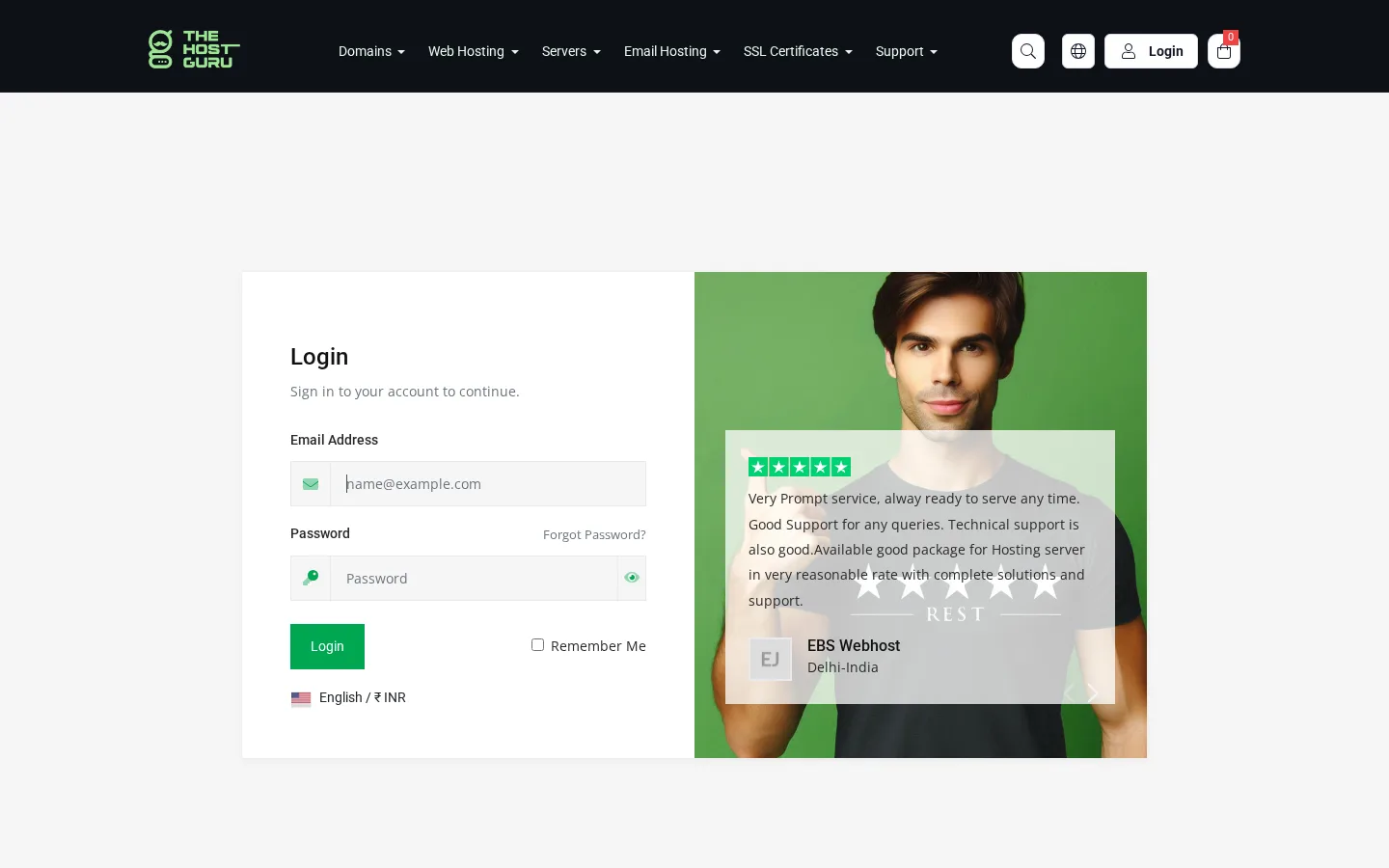
Step 1 — Open THE HOSTGURU Website
Go to: thehostguru.com
You will see the Login button in the top-right corner of the homepage.
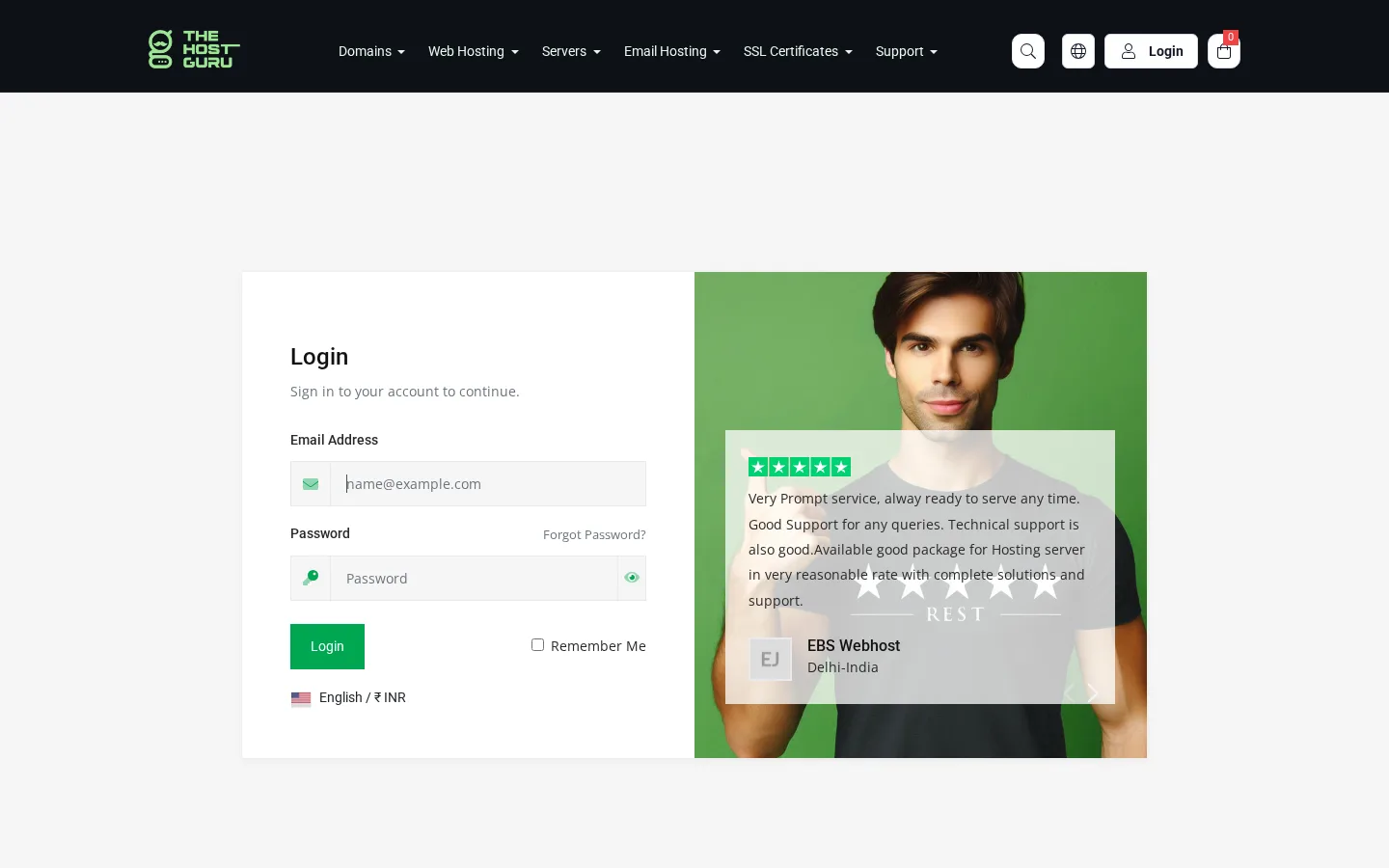
Step 2 — Login Page
Enter your login credentials on the login page and click on the Login button to access your account dashboard.
Step 2 — Dashboard
After logging in, you will be redirected to the Dashboard, where you can manage all your domain and hosting service invoices.