
Web Server Security Basics for Hosting Users
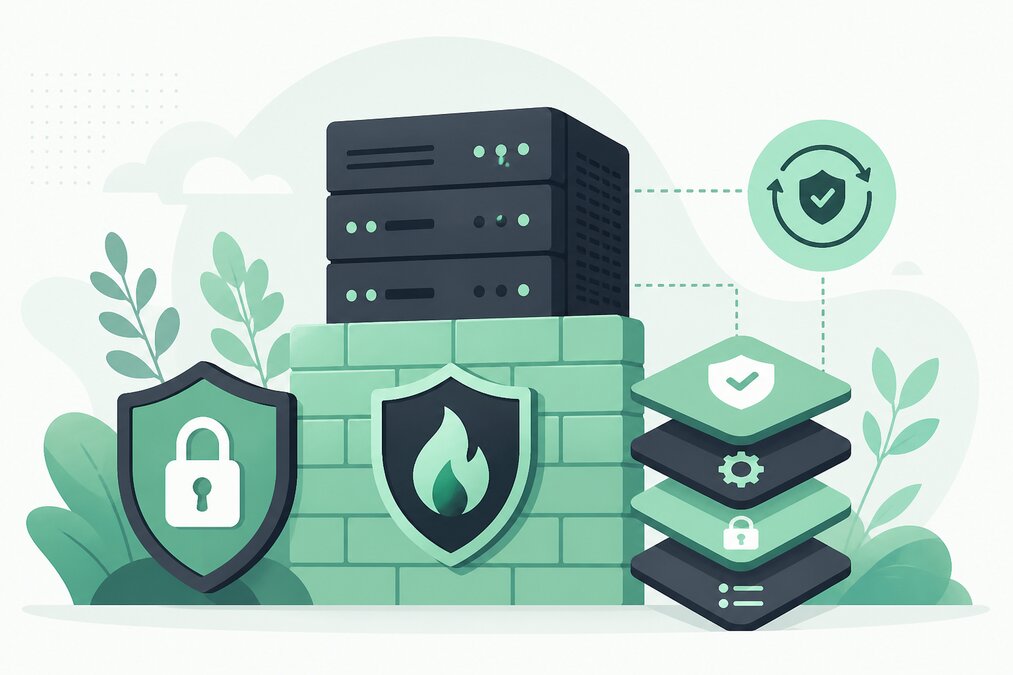
Website security is not limited to WordPress or a hosting control panel.
The web server itself is an important part of the hosting environment.
Understanding basic server security helps website owners and developers make better hosting decisions.
Keep the Server Software Updated
A web server uses multiple software components.
Depending on the environment, these can include:
- Operating system
- Web server
- PHP
- Database server
- Control panel
- Other services
Security updates should be applied according to the hosting environment and management responsibility.
Use HTTPS
HTTPS protects communication between visitors and the website.
Install a valid SSL certificate and ensure the website works correctly over HTTPS.
Use a Firewall
A firewall can control which network traffic reaches the server.
Only necessary services should be publicly accessible.
Protect Administrative Access
Server administration interfaces should not be exposed unnecessarily.
Use secure authentication and appropriate access controls.
Use Strong Credentials
Every administrative account should use a strong, unique password.
Avoid shared credentials whenever possible.
Disable Unnecessary Services
Unused services increase complexity and can create additional security exposure.
Review which services are actually required.
Protect Databases
Database services should not normally be publicly exposed without a specific requirement.
Use strong credentials and appropriate permissions.
Keep PHP Updated
PHP is commonly used by WordPress and other web applications.
Use a supported PHP version compatible with your website.
Secure File Permissions
Files and directories should have permissions appropriate for their purpose.
Do not make everything writable simply to solve an application error.
Monitor Logs
Server and application logs can help identify unusual activity.
Look for:
- Repeated login attempts
- Unexpected errors
- Suspicious requests
- Large traffic changes
Protect Backups
Backups contain website data and should be protected.
Do not leave backup files publicly accessible from the website.
Limit User Access
Give users only the permissions they require.
This is especially important on VPS environments where multiple applications or users may exist.
Monitor Server Resources
Unexpected resource usage can sometimes indicate:
- Traffic spikes
- Application problems
- Misconfiguration
- Automated abuse
- Security incidents
Monitor CPU, memory, storage, and network activity.
Separate Hosting Responsibilities
Shared hosting and VPS hosting have different security responsibilities.
On shared hosting, many server-level controls are managed by the hosting provider.
On a VPS, the customer may have much greater responsibility for server configuration.
Do Not Change Security Settings Blindly
A security change that breaks a required service is not useful.
Understand the purpose of a configuration before changing it.
Maintain a Recovery Plan
Even strong security controls cannot prevent every incident.
Maintain reliable backups and know how to restore the website.
Final Thoughts
Web server security starts with basic principles:
- Updates
- HTTPS
- Firewall
- Secure administration
- Strong credentials
- Limited services
- Safe permissions
- Monitoring
- Backups
THE HOSTGURU customers using shared hosting can focus primarily on website and account security, while VPS users should also understand their additional server management responsibilities.
Frequently Asked Questions
The hosting provider normally manages the underlying server, while customers manage their website and hosting account.
No. HTTPS protects data in transit but does not replace application, account, server, or backup security.
Yes. VPS users should monitor important server resources, services, logs, and security events.
Backups are an important part of recovery planning.
