
VPS Snapshots and Backup Strategy
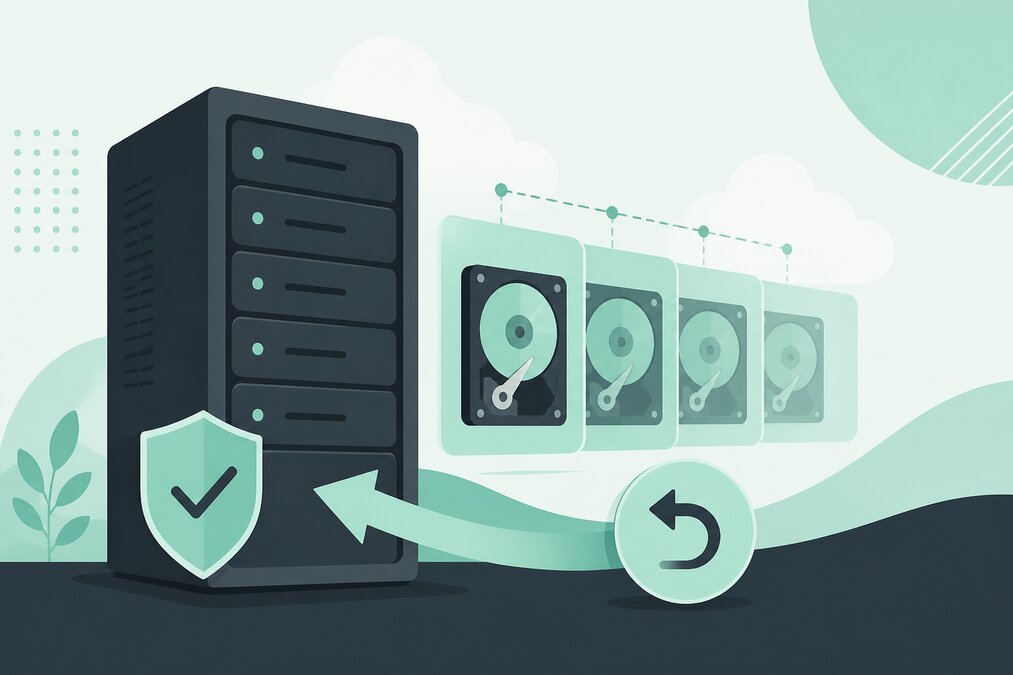
A VPS provides more control than shared hosting, but greater control also means greater responsibility.
One important responsibility is having a reliable backup and recovery strategy.
A VPS snapshot can be useful, but it should not automatically be considered a complete backup system.
What Is a VPS Snapshot?
A snapshot is a point-in-time image of a VPS or its storage.
It can help you return the VPS to an earlier state.
Snapshots are particularly useful before major server changes.
When Should You Create a Snapshot?
Consider creating a snapshot before:
- Major software upgrades
- Configuration changes
- Server migrations
- Application changes
- Control panel changes
Snapshot vs Backup
A snapshot and a backup serve different purposes.
A snapshot is usually closely connected to the VPS storage environment.
A backup strategy should consider recovery from broader problems such as:
- Server failure
- Data corruption
- Accidental deletion
- Security incidents
- Configuration mistakes
Do Not Keep Only One Copy
A single backup copy creates a single point of failure.
Maintain multiple recovery copies when possible.
Consider Different Backup Locations
Keeping all copies on the same server can be risky.
If the server has a serious problem, local backup data may also become unavailable.
Back Up Important Data
Depending on the VPS, important data may include:
- Website files
- Databases
- Email data
- Configuration files
- SSL information
- Application data
Test Your Backups
A backup that has never been tested should not be assumed to be reliable.
Perform restoration tests when practical.
Define Recovery Priorities
Not every website has the same recovery requirements.
Decide:
- What needs to be restored first?
- How much data loss is acceptable?
- How quickly should the service return online?
Use Snapshots Before Risky Changes
A snapshot can provide a convenient rollback option after configuration changes.
However, do not treat it as your only recovery method.
Keep Backup Retention
Do not keep only the newest backup.
Older backup versions can be useful if a problem is discovered days or weeks later.
Protect Backup Access
Backup files can contain sensitive website data.
Protect access to backup storage.
Use strong credentials and appropriate permissions.
Document the Recovery Process
Write down:
- Where backups are stored
- How frequently they are created
- How long they are retained
- How restoration works
- Who can access them
Monitor Backup Jobs
An automated backup system can fail silently.
Check that backup jobs are completing successfully.
Final Thoughts
Snapshots are useful for quick rollback, while a proper backup strategy provides broader recovery protection.
Use snapshots before major changes, maintain multiple backup copies, protect backup access, and regularly test restoration.
THE HOSTGURU Linux VPS customers should plan backups before putting important websites or applications into production.
Frequently Asked Questions
Not necessarily. A snapshot is a point-in-time state of a VPS, while a backup strategy should consider independent recovery copies.
It can be useful before major changes when supported by your VPS environment.
It depends on how frequently your data changes and how much data loss you can accept.
Do not rely only on local copies. Independent backup storage provides better recovery protection.
