
SPF, DKIM and DMARC: Stop Hosting Email From Hitting Spam
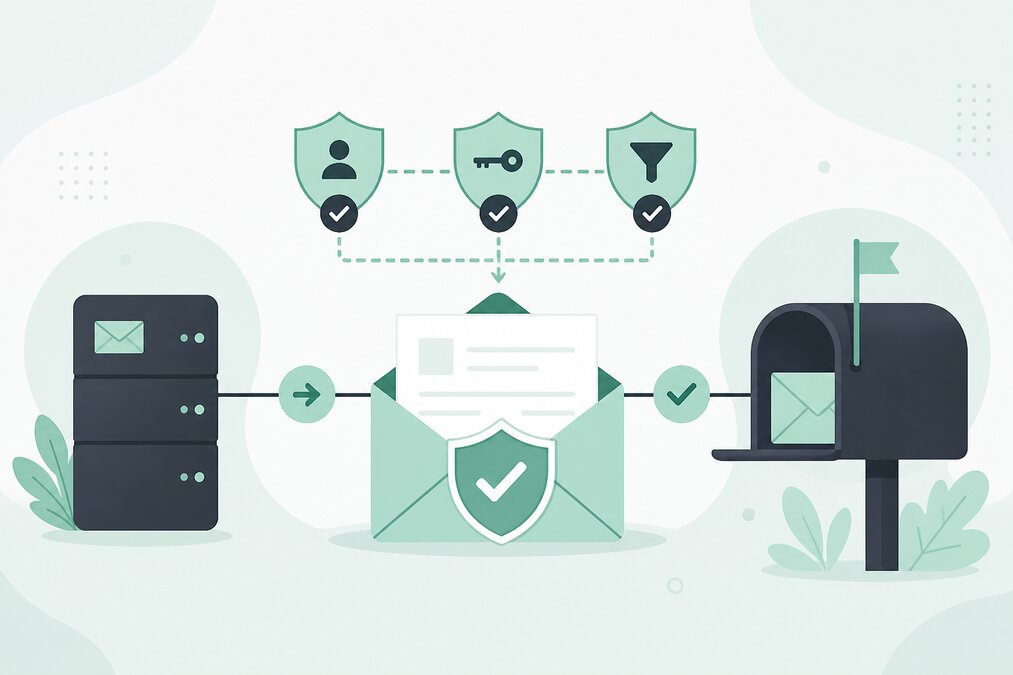
Sending email from your own domain is an important part of professional communication.
However, having a mailbox such as:
does not automatically guarantee that messages will reach the recipient's inbox.
Email authentication is an important part of modern email delivery.
Three commonly discussed technologies are:
- SPF
- DKIM
- DMARC
They solve different problems and work together.
What Is SPF?
SPF stands for Sender Policy Framework.
It allows a domain to publish a DNS record identifying servers that are authorized to send email for that domain.
When a receiving mail server receives a message, it can check the SPF record and compare the sending server against the published policy.
Why Is SPF Important?
Without proper sender authorization, receiving systems may have difficulty determining whether a message is legitimate.
SPF can help reduce unauthorized use of your domain.
However, SPF does not encrypt email and does not prove that the message itself is trustworthy.
What Is DKIM?
DKIM stands for DomainKeys Identified Mail.
DKIM adds a digital signature to outgoing email.
The receiving server can use a public key published in DNS to verify the signature.
This helps confirm that the message was authorized by the sending system and that important signed content was not modified during delivery.
What Is DMARC?
DMARC stands for Domain-based Message Authentication, Reporting, and Conformance.
DMARC allows a domain owner to publish a policy describing how receiving systems should handle messages that fail authentication checks.
DMARC also provides reporting capabilities.
SPF, DKIM and DMARC Work Together
Think of them as different layers.
SPF answers:
"Is this sending server authorized?"
DKIM answers:
"Does this message contain a valid signature from the domain?"
DMARC answers:
"What should happen when authentication fails, and how should domain alignment be handled?"
Why Email Still Goes to Spam
Authentication is important, but it is not a guarantee of inbox placement.
Other factors include:
- Sender reputation
- Message content
- Recipient engagement
- Complaint rates
- Sending volume
- Domain reputation
- Sending patterns
- Mail server reputation
Do not assume that adding SPF alone will make every email reach the inbox.
Do Not Create Multiple SPF Records
This is a common DNS mistake.
A domain should normally have one SPF TXT record containing the authorized sending services.
If multiple separate SPF records are published, receiving systems may treat the SPF configuration as invalid.
When adding a new mail service, update the existing SPF record instead of creating another independent SPF record.
Be Careful During Hosting Migration
If you move email from one hosting environment to another, your SPF record may need to change.
Do not remove the old authorization until you are certain that the old system no longer sends mail.
At the same time, do not leave unnecessary services authorized forever.
DKIM Must Match Your Mail System
DKIM keys are generated by the mail system that sends the email.
You should use the DKIM record provided by the actual email hosting environment.
Do not copy a random DKIM record from another domain.
Start DMARC Carefully
A domain that has never used DMARC should not immediately choose an aggressive enforcement policy without understanding its legitimate sending sources.
First identify which systems send email using your domain.
These may include:
- Hosting mail server
- Website
- Contact form
- Transactional email system
- Marketing platform
- Business applications
Then configure authentication appropriately.
Monitor Email Authentication
After configuration, monitor delivery and authentication results.
If legitimate email fails DMARC, investigate before increasing enforcement.
Protect Your Domain From Spoofing
Someone can attempt to send fake email using your domain in the visible sender address.
SPF, DKIM and DMARC can help receiving systems identify unauthorized messages.
This is particularly important for businesses that are targeted by fake invoice and payment scams.
Final Thoughts
Email authentication is not a magic solution for spam placement, but it is an important part of a professional domain email setup.
Configure SPF carefully, use DKIM for legitimate outgoing mail, and introduce DMARC based on an understanding of your actual email sources.
THE HOSTGURU email hosting customers should make sure DNS authentication records match the mail systems actually sending email for their domain.
Frequently Asked Questions
No. SPF is useful, but modern email security generally benefits from DKIM and DMARC as well.
Normally, you should have one SPF record that contains all required authorized senders.
No. It improves authentication and policy control but does not guarantee inbox placement.
Legitimate email can be affected. Test and monitor your configuration before applying an aggressive enforcement policy.
