
Shared Hosting Buyer’s Checklist for 2026
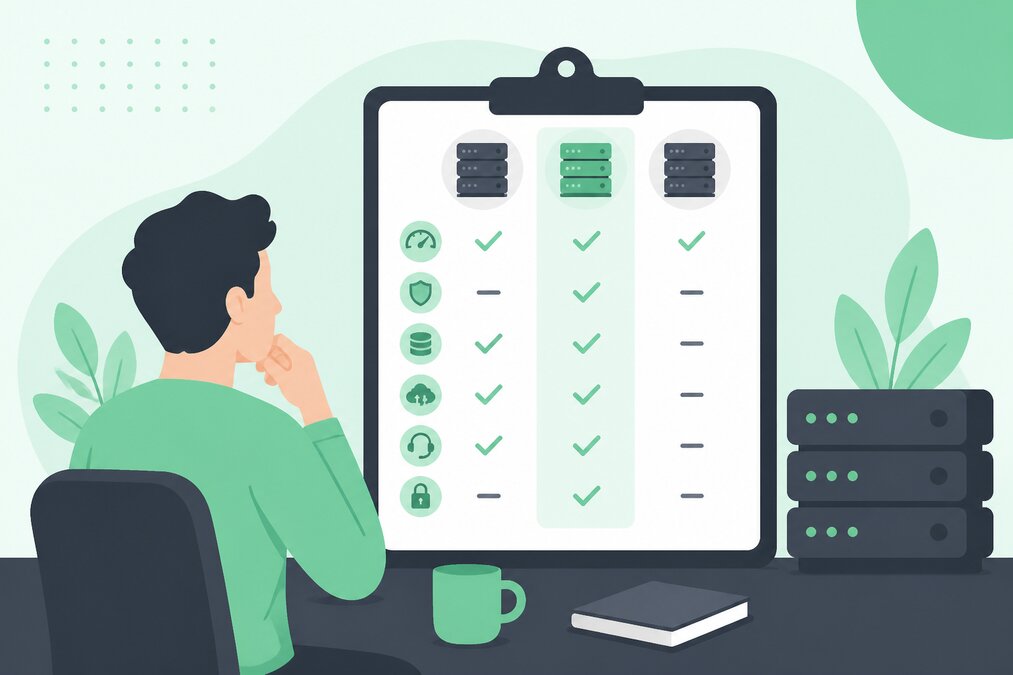
Choosing shared hosting is not only about finding the lowest price.
A good hosting plan should provide the resources, features, security, and management tools that your website actually needs.
For a freelancer, small business, developer, or first-time website owner, a simple checklist can make the decision easier.
Understand Your Website Requirements
Before choosing a hosting plan, identify what you are going to host.
Consider:
- WordPress website
- Business website
- Blog
- Portfolio
- Landing pages
- Client websites
- Online store
- Multiple domains
- Business email
A small website does not normally need the same resources as a large application.
Check the Hosting Type
Shared hosting means multiple hosting accounts use resources on the same server.
It is generally suitable for websites that do not require dedicated server resources.
If your website needs greater resources or server-level control, VPS hosting may be more appropriate.
Check Available Resources
Do not look only at storage.
Check the resources and limits that affect website performance, such as:
- CPU resources
- RAM or memory availability
- PHP processes
- Entry processes
- Database limits
- Storage
- Bandwidth
- Number of websites
Choose the Right Control Panel
A control panel makes hosting easier to manage.
Depending on the plan, you may use:
- cPanel
- DirectAdmin
- Plesk
Choose an interface that matches your technical experience and workflow.
Check PHP Support
For PHP-based websites such as WordPress, PHP compatibility is important.
The hosting environment should provide supported PHP versions suitable for your applications.
Look for SSL Support
HTTPS should be standard for modern websites.
Check whether your hosting plan supports SSL installation and management.
Check Email Features
If you need business email, review:
- Number of mailboxes
- Mailbox storage
- Webmail
- IMAP
- SMTP
- Email forwarding
- Spam protection
Do not assume that every hosting plan offers the same email limits.
Check Backup Options
Backups are important for website recovery.
Understand:
- Whether backups are available
- Backup frequency
- Retention
- Restoration options
You should still maintain your own important backup copies where appropriate.
Check Domain Support
If you manage multiple websites, check how many domains and websites your plan supports.
Also check whether subdomains and aliases are supported.
Think About Security
A hosting plan should provide a sensible security foundation.
Look for features and controls related to:
- SSL
- Account isolation
- Malware protection
- Firewall protection
- Login security
- Backup and recovery
Check Migration Support
If you are moving from another hosting provider, migration support can save time.
Ask what information is required before starting a migration.
Check Resource Upgrade Options
Your website may grow.
A good hosting setup should allow you to move to a stronger hosting plan when your requirements increase.
Check Support Availability
When a website has an issue, support can be important.
Check the available support channels and service scope before purchasing.
Do Not Choose Only by Price
A very cheap plan may not be suitable if it has insufficient resources or important limitations.
Compare the complete package rather than one headline feature.
Make a Simple Comparison
Before purchasing, compare:
- Resources
- Websites
- Storage
- SSL
- Control panel
- Backup options
- Support
- Upgrade options
Final Thoughts
The best shared hosting plan is not necessarily the plan with the most features.
Choose a plan based on your website's actual requirements.
For freelancers, businesses, developers, and new website owners, THE HOSTGURU shared hosting options can provide a practical starting point, with cPanel, DirectAdmin, or Plesk options depending on the hosting plan.
Frequently Asked Questions
Yes. Shared hosting remains useful for websites that do not require dedicated resources or advanced server control.
Neither is automatically better. The right control panel depends on your workflow, familiarity, and hosting requirements.
Consider upgrading when your website consistently needs more resources, has increased traffic, or requires server-level control.
No. CPU, memory, PHP resources, database limits, email, security, and support can be equally important.
