
Migrate Email from Old Host to THE HOSTGURU
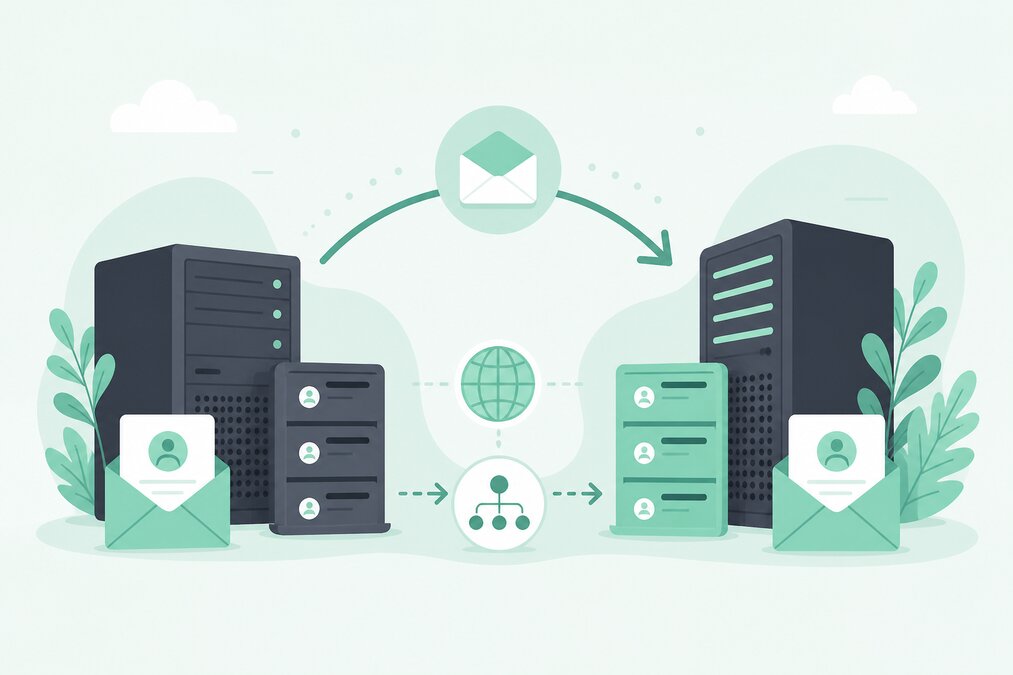
Moving email to a new hosting environment requires more planning than simply changing the MX record.
A careful migration helps reduce downtime and prevents missing important messages.
If you are moving your domain email to THE HOSTGURU, plan the mailbox, DNS, and data migration before making the final DNS changes.
Make a List of Existing Mailboxes
Start by documenting every mailbox on the old hosting account.
For example:
- info@
- sales@
- support@
- accounts@
- personal staff mailboxes
Also record important aliases and forwarders.
Check Mailbox Storage
Review how much data each mailbox contains.
Large mailboxes may require additional migration time.
Create the New Mailboxes
Create the required mailboxes in the new THE HOSTGURU email hosting environment before switching mail delivery.
Use strong and unique passwords.
Plan the Migration Time
Choose a period when email traffic is relatively manageable.
Avoid making major DNS and mailbox changes during an important business deadline.
Preserve Existing Email
If you need old messages on the new server, copy the existing mail using an appropriate migration method.
IMAP-based migration can be useful when the old and new servers support compatible mailbox access.
Configure Email Applications
After the new mailboxes are ready, update the email applications with the new server settings.
This may include:
- IMAP
- SMTP
- Encryption
- Username
- Password
Do Not Change MX Too Early
The MX record determines where new email is delivered.
If you change it before the new mailboxes are ready, messages may not be delivered correctly.
Prepare the new environment first.
Update DNS
When the new mail service is ready, update the domain's mail-related DNS records as required.
This may include:
- MX
- SPF
- DKIM
- DMARC
Check SPF
Your SPF record should authorize the correct sending system.
Do not leave outdated mail-sending systems authorized unnecessarily.
Configure DKIM
If DKIM is provided for the new email environment, publish the required DNS record.
Configure DMARC
Review the domain's DMARC policy after the migration.
Make sure it matches the new email-sending configuration.
Expect DNS Propagation
DNS changes do not always appear everywhere immediately.
Different DNS resolvers can temporarily use different cached information.
Test Incoming Email
Send test messages from external email accounts to the new mailbox.
Check that messages arrive correctly.
Test Outgoing Email
Send messages from the new mailbox to other addresses.
Check both delivery and authentication.
Check Forwarders
Recreate required forwarders on the new system.
Review them carefully to avoid unwanted forwarding or mail loops.
Keep the Old Mail Service Temporarily
Do not immediately delete the old email service after changing DNS.
Keep it available for an appropriate transition period so you can investigate unexpected delivery issues and retrieve remaining data.
Inform Users
Tell mailbox users:
- When the migration will happen
- New passwords if required
- New mail server settings
- What they need to change
- How to access webmail
Final Verification
After the migration, check:
- All mailboxes
- Incoming mail
- Outgoing mail
- Webmail
- IMAP
- SMTP
- SPF
- DKIM
- DMARC
- Forwarders
- Mobile devices
- Desktop applications
Final Thoughts
Email migration should be planned separately from website migration.
Create mailboxes first, migrate important messages, prepare DNS authentication, update MX records at the right time, test delivery, and keep the old environment available during the transition.
THE HOSTGURU provides email hosting for businesses and website owners who want to manage domain-based email in a dedicated hosting environment.
Frequently Asked Questions
No. MX records control where new email is delivered. Existing messages remain on the old mail server unless they are migrated separately.
Yes. The new mailboxes should be ready before changing mail delivery.
A well-planned migration can minimize disruption, but DNS caching and configuration issues can temporarily affect delivery.
Usually, yes, if the systems authorized to send email have changed.
No. Keep the old environment available during a suitable transition period until you are confident that the migration is complete.
