
Linux VPS Hardening Basics for Website Hosts
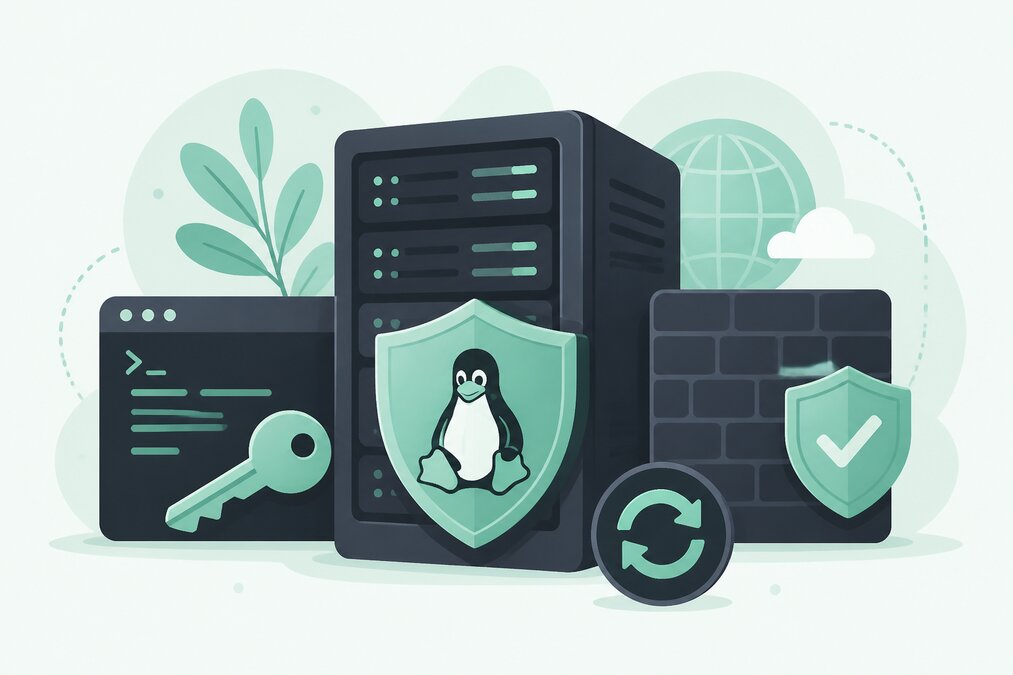
A Linux VPS gives you more control than shared hosting.
It also means that you are responsible for more security decisions.
Server hardening is the process of reducing unnecessary exposure and improving the security of the VPS.
Keep the Operating System Updated
Start with the operating system.
Install security updates regularly.
An outdated server can contain known vulnerabilities.
Use Strong SSH Authentication
SSH is commonly used to administer Linux servers.
Use strong authentication practices.
Where appropriate, consider key-based authentication instead of relying only on passwords.
Avoid Direct Root Login Where Practical
A separate administrative user can provide better accountability and reduce unnecessary use of the root account.
Use elevated privileges only when required.
Use a Firewall
A firewall can restrict unnecessary network access.
Only expose services that the server actually needs.
For a typical web server, this may include web traffic and secure administration, depending on the configuration.
Close Unused Ports
A service that is not required does not need to be publicly accessible.
Review listening services and remove unnecessary ones.
Protect SSH
If SSH is exposed to the internet, protect it carefully.
Use:
- Strong authentication
- Appropriate access controls
- Key-based authentication where suitable
- Monitoring
- Firewall restrictions
Keep Applications Updated
Updating only the operating system is not enough.
Also maintain:
- Web server
- PHP
- Database
- Control panel
- Website applications
Use HTTPS
Websites should use HTTPS.
Install and maintain valid SSL certificates.
Protect Databases
Do not expose database services publicly unless there is a specific requirement.
Use strong database credentials.
Disable Unnecessary Services
Every unnecessary service increases complexity.
Review what is installed and running.
Monitor Logs
Server logs can provide information about:
- Login attempts
- Application errors
- Web requests
- Security events
Review important logs regularly.
Create Backups
Hardening does not protect against every failure.
Maintain reliable backups.
Protect the Backup System
Backups should not be accessible to everyone.
Use secure storage and appropriate permissions.
Monitor Resource Usage
Unexpected CPU, memory, or network activity can sometimes indicate a security or application problem.
Monitor the VPS regularly.
Use Least Privilege
Give users and applications only the permissions they need.
Avoid running every application with administrative privileges.
Change Default Configurations Carefully
Security does not mean changing every default setting.
Change configurations when there is a clear security or operational reason.
Test changes after applying them.
Final Thoughts
Linux VPS security requires ongoing maintenance.
Keep the operating system updated, secure SSH, use a firewall, remove unnecessary services, protect databases, monitor logs, and maintain backups.
THE HOSTGURU Linux VPS users should understand that VPS hosting provides more control but also requires more responsibility than shared hosting.
Frequently Asked Questions
A VPS provides an isolated environment, but it still needs proper configuration and maintenance.
A properly configured firewall is an important part of server security.
Review unnecessary services and disable them when appropriate, but understand what a service does before removing it.
Yes. Backups are essential for recovery even when preventative security controls are in place.
