
Improve Email Deliverability for Transactional Mail
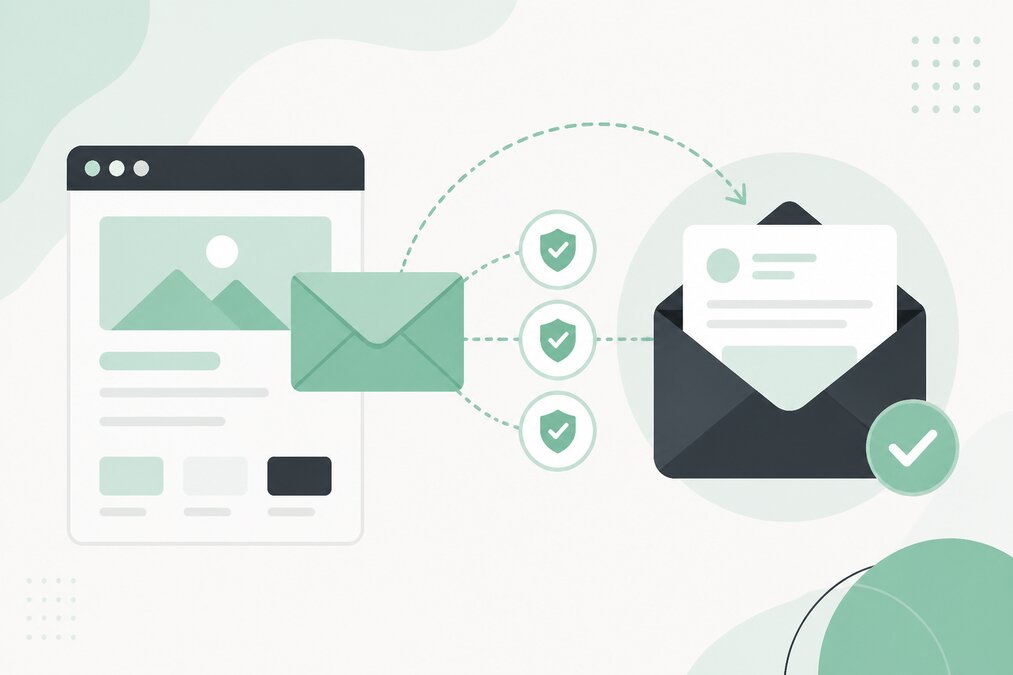
Transactional emails are messages automatically sent after a user performs an action.
Examples include:
- Password reset emails
- Account notifications
- Contact form notifications
- Order-related messages
- Registration emails
- Service notifications
If these emails do not reach the inbox, users may miss important information.
What Is Email Deliverability?
Email deliverability refers to the ability of legitimate email to reach the recipient's mail system successfully.
Good deliverability does not guarantee that every message will reach the inbox, but correct configuration can improve trust and reduce avoidable problems.
Use a Domain-Based Sender Address
Transactional email should normally be sent from a properly configured domain.
For example:
or
Use an address that matches your business and communication purpose.
Configure SPF
SPF identifies authorized mail servers for your domain.
Your SPF record should reflect the services that actually send email for your domain.
Do not add unauthorized or unnecessary services.
Configure DKIM
DKIM adds a cryptographic signature to outgoing email.
The receiving mail system can use the signature to verify the message.
Make sure DKIM is correctly configured for the sending system.
Configure DMARC
DMARC allows domain owners to define how receiving systems should handle messages that fail authentication.
It also provides reporting information.
Start with a policy appropriate for your current email setup.
Avoid Multiple Conflicting SPF Records
A domain should not normally have multiple separate SPF records.
If several services send email, their authorized sources generally need to be combined into the appropriate SPF configuration.
Check Your Website's Mail Configuration
WordPress forms and applications sometimes send mail using basic server mail functions.
For important transactional email, use a properly configured mail delivery method supported by your hosting environment or email service.
Use a Consistent From Address
Avoid changing sender identities unnecessarily.
A consistent sender address can make business communication easier for recipients to recognize.
Configure Reverse DNS Where Applicable
For server-based email systems, reverse DNS can be an important part of mail server configuration.
The exact requirements depend on the sending infrastructure.
Keep Email Lists Clean
If your application sends email to users, remove invalid or inactive addresses when appropriate.
Repeated delivery failures can negatively affect sending reputation.
Avoid Spam-Like Messages
Transactional messages should contain useful information.
Avoid unnecessary:
- Excessive capitalization
- Misleading subject lines
- Large numbers of links
- Suspicious attachments
- Unrelated promotional content
Monitor Delivery Failures
Pay attention to bounce messages.
A bounce can indicate:
- Invalid recipient
- Mailbox full
- Domain problem
- Authentication failure
- Temporary server issue
Protect Contact Forms
Public forms can be abused to generate spam.
Use appropriate validation and anti-spam controls.
Separate Transactional and Marketing Email
If your business sends both types of email, keeping them logically separated can make management easier.
Transactional messages should remain focused on the user's requested action.
Test Before Launch
Before launching a website or application, test:
- Registration emails
- Password resets
- Contact forms
- Notifications
- Reply addresses
Test with multiple recipient mail systems where possible.
Final Thoughts
Reliable transactional email requires more than simply creating a mailbox.
Correct SPF, DKIM, DMARC, sender configuration, website mail settings, and monitoring all matter.
THE HOSTGURU email hosting customers should review their domain authentication settings carefully before relying on email for important business communication.
Frequently Asked Questions
Possible causes include incorrect authentication, poor sending reputation, problematic content, or incorrect mail server configuration.
No. SPF is only one part of email authentication.
DKIM is strongly recommended for domains sending important business email.
Yes. Abused or poorly protected forms can generate unwanted messages and affect mail delivery.
