
How to Set Up IMAP Email on Outlook and Mobile
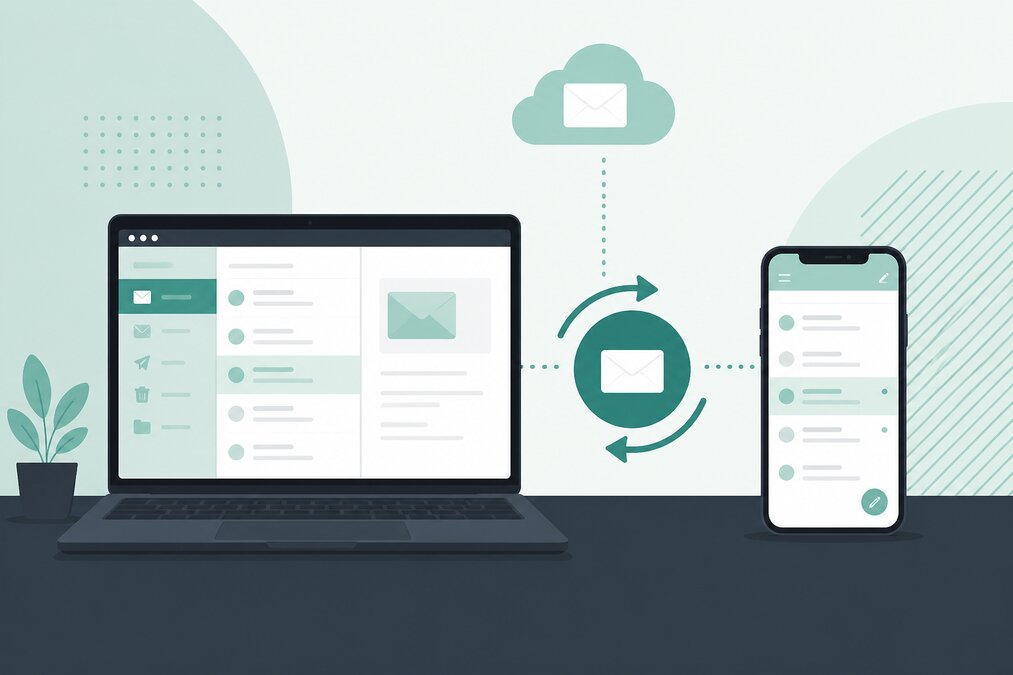
Business email becomes much more useful when you can access it from your computer and mobile phone.
IMAP is one of the most common methods for keeping email synchronized across multiple devices.
This guide explains how IMAP works and what you need when configuring domain email in Outlook or a mobile email application.
What Is IMAP?
IMAP stands for Internet Message Access Protocol.
It allows an email application to access messages stored on the mail server.
When you read or organize a message, the changes can synchronize with the server.
This is useful when the same mailbox is used on several devices.
Why Use IMAP?
Suppose you have:
- Office computer
- Laptop
- Smartphone
With IMAP, your mailbox can remain synchronized between these devices.
A message read on one device can appear as read on another.
Folders can also synchronize depending on the email application and server configuration.
What Information Do You Need?
Before configuring email, obtain the correct settings from your hosting provider.
You may need:
- Email address
- Email password
- Incoming mail server
- IMAP port
- Encryption type
- Outgoing SMTP server
- SMTP port
- Authentication requirements
Do not guess these settings.
Configure Outlook
Open Outlook and add a new email account.
Enter your complete email address.
Depending on the Outlook version, you may be able to choose manual configuration.
Select IMAP when prompted.
Enter the incoming mail server details.
Then enter the SMTP outgoing server details.
Make sure authentication is enabled if required.
Configure Mobile Email
The exact screens depend on the mobile operating system and mail application.
Choose the option to add a new email account.
Enter:
- Name
- Email address
- Password
- IMAP server
- SMTP server
Use secure connections whenever supported by the hosting environment.
IMAP and SMTP Are Different
IMAP handles incoming mail.
SMTP handles outgoing mail.
A common mistake is configuring the incoming server correctly but entering incorrect SMTP information.
The result is that messages can be received but not sent.
Why Can Email Receive but Not Send?
Possible causes include:
- Incorrect SMTP server
- Incorrect SMTP port
- Authentication disabled
- Wrong password
- Incorrect encryption
- ISP or network restrictions
- Server-side restrictions
Check the exact SMTP configuration first.
Why Can Email Send but Not Receive?
Check:
- IMAP server
- IMAP port
- Password
- Mailbox storage
- DNS MX records
- Server status
If the mailbox is full, new messages may not be accepted.
Keep Your Mailbox Secure
Never share your email password.
Use a unique password for each mailbox.
If the mailbox supports additional authentication features, use them where appropriate.
Do Not Use the Same Password Everywhere
Your domain email password should not be the same as:
- Hosting password
- WordPress password
- Personal email password
- Other business services
If one account is compromised, reused credentials can allow attackers to access other systems.
Check Spam and Junk Folders
Sometimes legitimate messages are delivered to spam.
If important business messages are missing, check the spam folder before assuming that the sender failed to send the message.
Email Authentication
Professional domain email should also use appropriate DNS authentication.
SPF, DKIM and DMARC can help improve domain trust and reduce spoofing.
However, authentication settings must match the actual mail server sending your messages.
Final Thoughts
IMAP is a practical choice for businesses that need email synchronized across computers and mobile devices.
Use the correct server settings, secure connections, strong passwords, and proper DNS authentication.
THE HOSTGURU email hosting can be used for professional domain-based email that you can access through webmail and supported email applications.
Frequently Asked Questions
IMAP is generally more convenient when the same mailbox is accessed from multiple devices.
Yes, if your email hosting provides the required IMAP and SMTP settings.
This is usually related to SMTP configuration, authentication, ports, or server restrictions.
Yes, IMAP is designed to synchronize mailbox access across multiple devices.
