
First Steps After You Buy a VPS
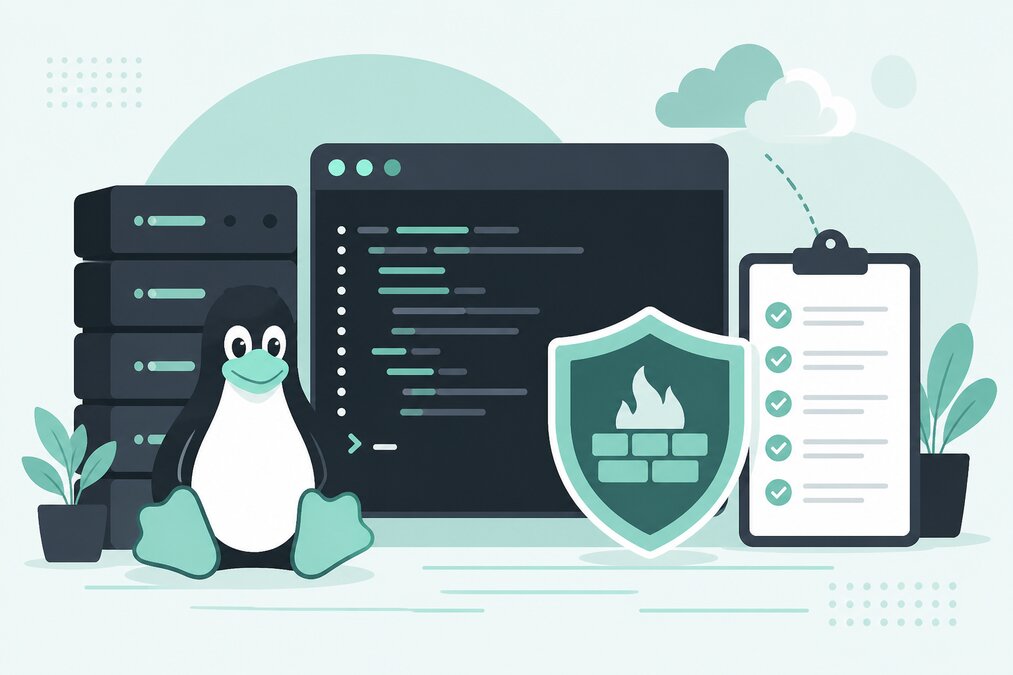
Buying a VPS is only the beginning.
Unlike basic shared hosting, a VPS can provide much greater control over the server environment. That control also means that the server needs proper configuration and security.
Before hosting production websites, take time to prepare the server.
Understand Your VPS Access
After purchasing a VPS, identify:
- Server IP address
- Operating system
- SSH access
- Root or administrator credentials
- Available storage
- RAM
- CPU resources
- Network information
- Backup options
Keep this information secure.
Change Default Credentials
If your initial access uses temporary credentials, change them immediately.
Create strong passwords and avoid reusing passwords from other services.
Create a Non-Root Administrative User
For Linux VPS management, avoid performing every task directly as root.
Create a separate administrative user with the appropriate privileges.
This reduces the risk of accidental system-wide changes.
Secure SSH Access
SSH is one of the main ways administrators manage Linux servers.
Review:
- SSH authentication
- Password access
- Key-based authentication
- Allowed users
- SSH port configuration
- Login attempts
SSH keys can provide strong authentication when configured correctly.
Update the Operating System
Before installing applications, update the operating system packages.
Security updates should become part of your regular maintenance process.
An old server installation can contain known vulnerabilities.
Configure a Firewall
A firewall should allow only the traffic your server actually needs.
Typical services may include:
- SSH
- HTTP
- HTTPS
- DNS if required
- Mail services if hosted
- Control panel services if installed
Do not open every port simply because it is available.
Install Only Required Software
Every installed service adds complexity.
If your server does not need a particular service, do not install it.
A smaller server software footprint is easier to maintain and secure.
Configure Time and Logging
Accurate server time is important for logs and troubleshooting.
Make sure the system clock and timezone are configured correctly.
Review server logs regularly when investigating problems.
Set Up Backups
A VPS is not a backup.
If the server fails, is compromised, or data is accidentally deleted, you need a separate recovery mechanism.
Depending on your setup, backups may include:
- Full server backups
- Website files
- Databases
- Configuration files
- Application data
Test restoration rather than assuming backups work.
Set Up Monitoring
Monitor important server resources:
- CPU
- RAM
- Disk usage
- Network traffic
- Service availability
A disk that reaches 100% usage can cause unexpected application problems.
Secure Web Applications
If you install WordPress or another application, secure the application separately.
Server security does not automatically secure the website.
Keep applications and their dependencies updated.
Configure DNS
If the VPS will host websites, configure the required DNS records.
Make sure the domain points to the correct server IP.
If you host email, DNS requirements become more important.
Install SSL Certificates
Websites should use HTTPS.
Configure SSL/TLS for production websites and verify that HTTP redirects correctly to HTTPS when appropriate.
Create a Deployment Plan
Before moving a live website to the VPS, understand:
- Where files will be stored
- Which web server will be used
- Which PHP version is required
- Which database is required
- How DNS will be changed
- How backups will work
Document Your Configuration
Write down important server configuration details.
Documentation should include:
- Installed services
- Website locations
- Database details
- Backup schedule
- Firewall rules
- Administrative users
- DNS configuration
Do not store passwords in plain text documents.
Do Not Install Everything at Once
A common beginner mistake is installing many services without understanding them.
Start with the minimum required environment.
Then add components when there is a real requirement.
Final Thoughts
A VPS gives you control, but it also gives you responsibility.
Before hosting important websites, secure access, update the operating system, configure the firewall, create backups, enable monitoring, and document the environment.
THE HOSTGURU Linux VPS hosting can be used for websites and applications that require more control than a traditional shared hosting environment.
Frequently Asked Questions
Secure access, update the operating system, configure the firewall, and establish backups.
Root access can be useful for server administration, but daily tasks should be performed with the minimum required privileges.
No. VPS security depends heavily on server configuration and ongoing maintenance.
Yes. Snapshots can be useful, but a broader backup strategy is still recommended.
