
Back Up and Restore a Website on Shared Hosting
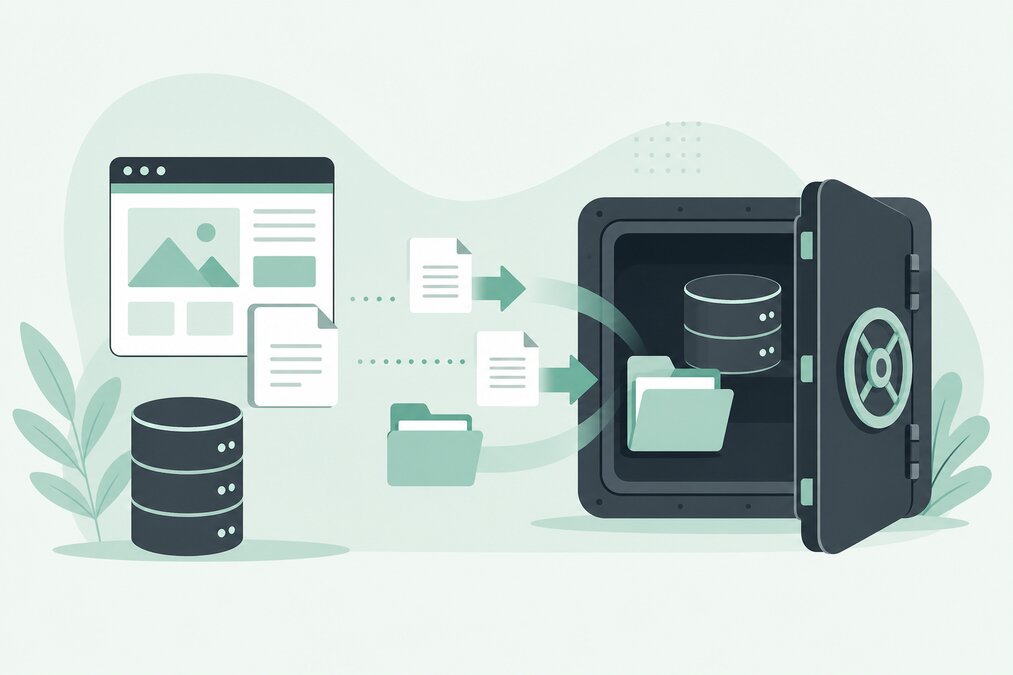
Why Website Backups Matter
A website can stop working for many reasons.
A plugin update may cause an error. A developer may accidentally delete a file. A database may become corrupted. Malware may modify website files.
Without a usable backup, recovery can become difficult.
A good backup strategy gives you a way to restore your website after an unexpected problem.
What Should a Website Backup Include?
For a typical WordPress website, a complete backup should include:
- Website files
- WordPress files
- Themes
- Plugins
- Uploads
- Configuration files
- Database
If email is hosted on the same account, determine whether your email data also needs a separate backup strategy.
Automatic Backups vs Manual Backups
Hosting providers may offer automatic backups.
These are convenient because backups can be created without manual work.
However, website owners should still understand:
- How frequently backups run
- How long they are retained
- Where they are stored
- How restoration works
- Whether individual files can be restored
- Whether databases can be restored separately
Do not assume that “backup included” means every possible recovery scenario is covered.
Create a Backup Before Major Changes
Always consider taking a fresh backup before:
- WordPress updates
- PHP version changes
- Theme changes
- Plugin changes
- Website migration
- Database changes
- Major design updates
A backup created immediately before a risky change can save significant time.
Store an Additional Copy
Do not keep your only backup inside the same hosting account.
If the hosting account becomes unavailable, an internal backup may also become inaccessible.
For important websites, maintain an additional backup copy in separate storage.
How to Back Up Website Files
You can usually create a compressed archive of your website files through the hosting File Manager.
Download the archive and store it safely.
For larger websites, FTP/SFTP or automated backup tools may be more practical.
How to Back Up the Database
WordPress stores important content in its database.
The database may contain:
- Posts
- Pages
- Users
- Settings
- Comments
- Plugin data
- WooCommerce information
A file backup without the database may not be enough to rebuild the complete website.
How to Restore a Website
Restoration normally involves two major components:
- Website files
- Database
First restore the website files.
Then restore the corresponding database.
Make sure the database credentials in the website configuration match the restored database.
Test Your Backup
This is one of the most overlooked parts of backup management.
A backup file existing on a server does not prove that the backup is usable.
Test restoration periodically.
For important websites, restore the backup in a separate environment rather than experimenting directly on the live website.
What If Only One File Is Broken?
You may not need a complete restoration.
If only one file was accidentally changed, restoring that specific file can be faster.
This is one reason why flexible backup systems are useful.
Backups and Malware
Backups can also contain malware.
If a website has been compromised for several days, restoring the newest backup may restore the infected files.
Maintain multiple restore points and investigate when the infection started.
A clean older backup may be safer than the most recent backup.
Shared Hosting Backup Best Practices
Use this simple routine:
- Keep automatic backups enabled when available.
- Create a backup before major changes.
- Keep an independent copy.
- Test restoration.
- Keep multiple restore points.
- Monitor available backup storage.
- Document the restoration process.
Final Thoughts
Backups are not optional for important websites.
A website owner should know not only that backups exist, but also how to restore the website when something goes wrong.
THE HOSTGURU hosting plans can include backup-related features depending on the hosting service and plan. Customers should always check the exact backup and retention policy for their account.
Frequently Asked Questions
The ideal frequency depends on how often your website changes. Frequently updated websites need more frequent backups.
No. Multiple backup points and an independent copy provide better protection.
A complete backup should include the database, but you should verify what your particular backup system includes.
Do not rely on the same hosting account as your only backup location.
